
The best local SEO tools do three jobs: they show where you rank on the map, keep your business details consistent across directories, and help you collect reviews. Below are six tools U.S. businesses use for that work, what each one is good at, and how to pick between them. If you’d rather hand the whole job to a team, our SEO campaign management covers local search too, including Google Business Profile work.
An analysis of 78 reviews and comments from Trustpilot and YouTube about local SEO tools found that 14% asked about details on feature capabilities and usage.
What do local SEO tools actually do?
Local SEO tools help a business show up in Google’s map results and local searches. Most cover one or more of four jobs: managing your Google Business Profile, tracking rankings across a service area, keeping your name, address and phone number consistent on directories, and asking customers for reviews. No single tool does all four equally well.
Google says local results are based mainly on relevance, distance and prominence (Google Business Profile Help: tips to improve your local ranking). A tool can’t change how far you are from the searcher, but it can help with the other two: complete, accurate listings support relevance, and reviews and citations feed prominence.
1. Google Business Profile: the free starting point for local visibility
Google Business Profile is Google’s free tool for managing how your business appears on Search and Maps. From one dashboard you can set your hours, add photos and posts, answer questions and reply to reviews. Every other tool on this list builds on top of it, so it’s the first thing to set up and verify.
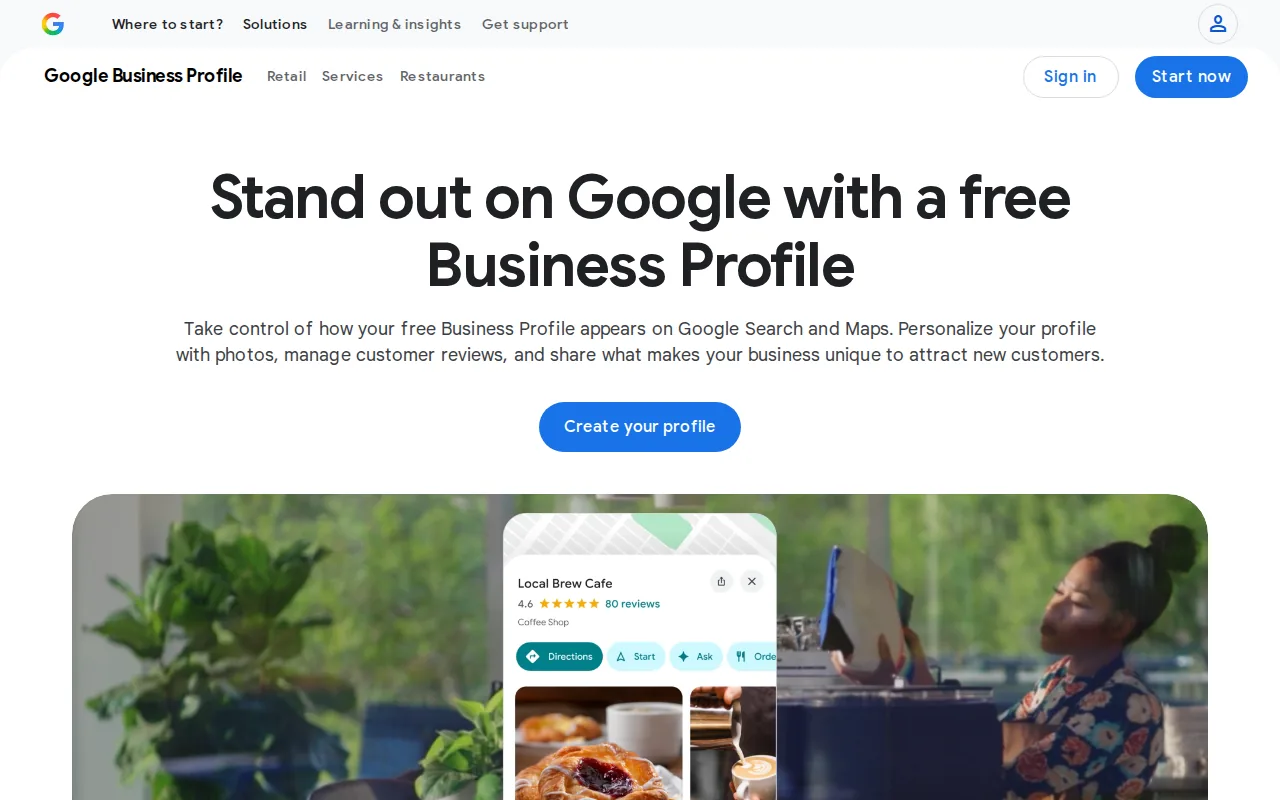
Once your listing is verified, you can see calls, direction requests and website clicks in the profile’s performance view. Keep the details accurate and follow Google’s guidelines for representing your business, because listings that break them can be suspended.
One limitation: the built-in post scheduler is basic, so busy teams often pair the profile with a third-party tool for bulk publishing.
2. Local Falcon: geographic rank visibility across a service area
Local Falcon shows where your business ranks on a map grid, so you can see which neighborhoods you show up in and which you don’t. You pick a keyword and a grid size, and the tool checks your Google Maps position at each point on the grid, then colors the results by rank.
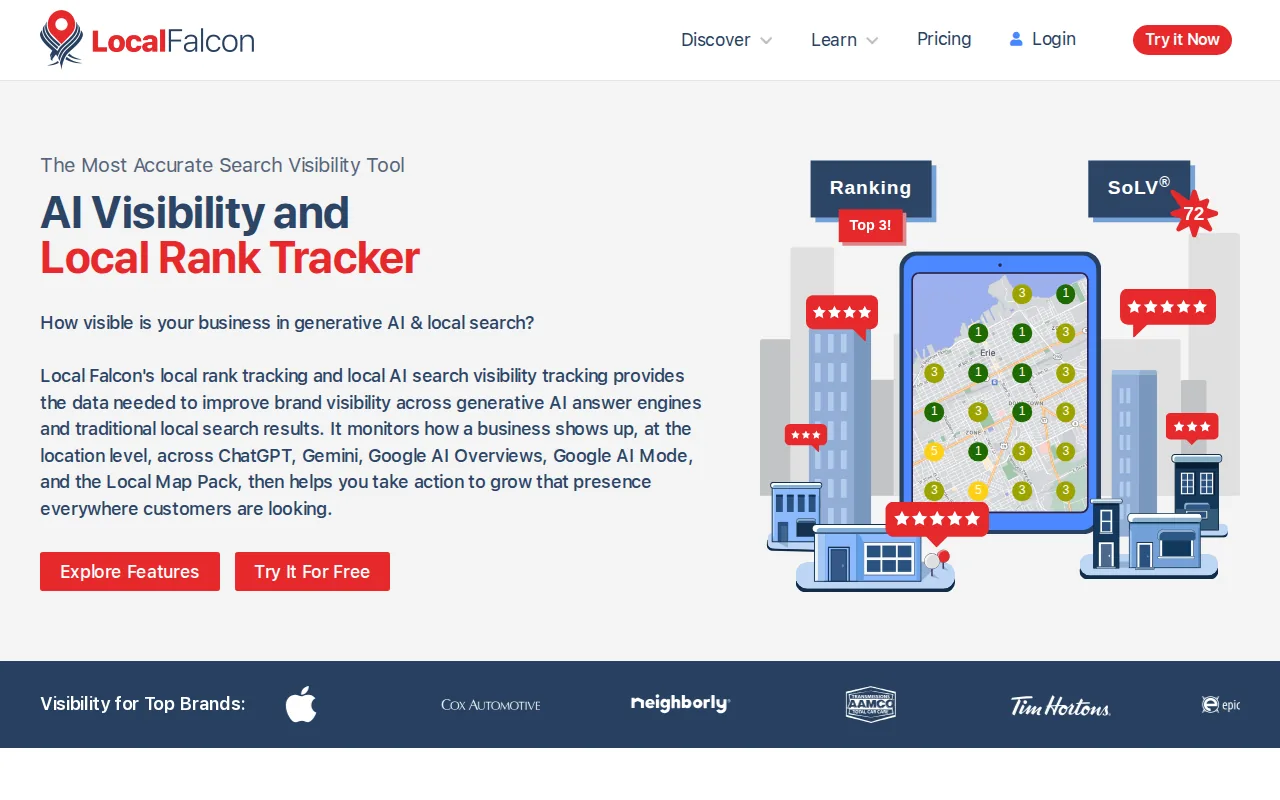
Its heat-map view shows pockets where you’re invisible even though your overall ranking looks fine. That tells you where to focus local pages, citations or review requests.
Its core job is rank tracking, so most teams pair it with a separate tool for citation management.
3. BrightLocal: a broad workflow for local SEO teams
BrightLocal bundles rank tracking, citation building, review monitoring and client reporting into one interface. Its dashboard pulls data from Google Business Profile, Bing Places and a long list of niche directories, which makes it a common pick for teams that run local SEO for several locations or several clients at once.
An API lets teams pull ranking data into their own dashboards. The platform also flags duplicate listings, so you can clean up name, address and phone (NAP) mismatches before they confuse searchers and Google.
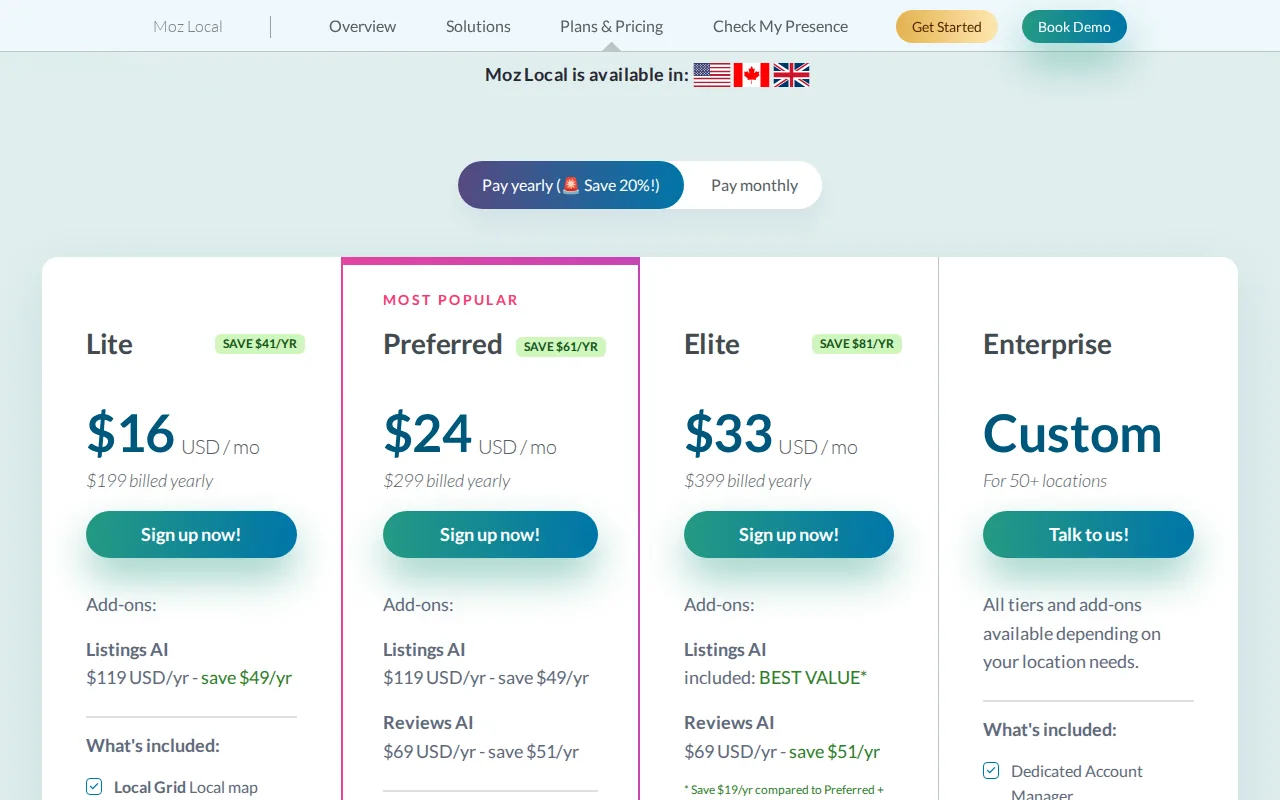
Pricing is per location, so the cost climbs with every branch or client you add. Check the current plans against your location count before you commit.
4. Moz Local: listings accuracy and distribution
Moz Local focuses on getting your business information right across the major data aggregators and directories. You enter your name, address and phone number once, and the tool sends that data to Google, Bing, Yelp and a network of other publishers, then watches for listings that drift from your master record.
Its strength is cleanup: if a duplicate listing exists, Moz flags it and can request suppression on your behalf.
Pricing is per location, so check the current plan for the number of listings you manage.
5. Whitespark: review acquisition and local SEO support
Whitespark is a set of local SEO tools built around citations, reviews and rank tracking. Its review tool sends customers email and SMS requests, and its citation finder shows which local directories your competitors are listed on and you’re not, which gives you a clear list of listings to build next.
It also has a local rank tracker, so small teams can watch positions for their main service keywords next to their citation work.
The catch: advanced features like bulk review requests sit on higher-tier plans.
6. Semrush Local: profile management and local tracking in one workflow
Semrush Local adds Google Business Profile management, listing distribution and map rank heat maps to the wider Semrush platform. You can update your listing, schedule posts and reply to reviews without leaving the tool, which suits teams that already use Semrush for keyword research and site audits.
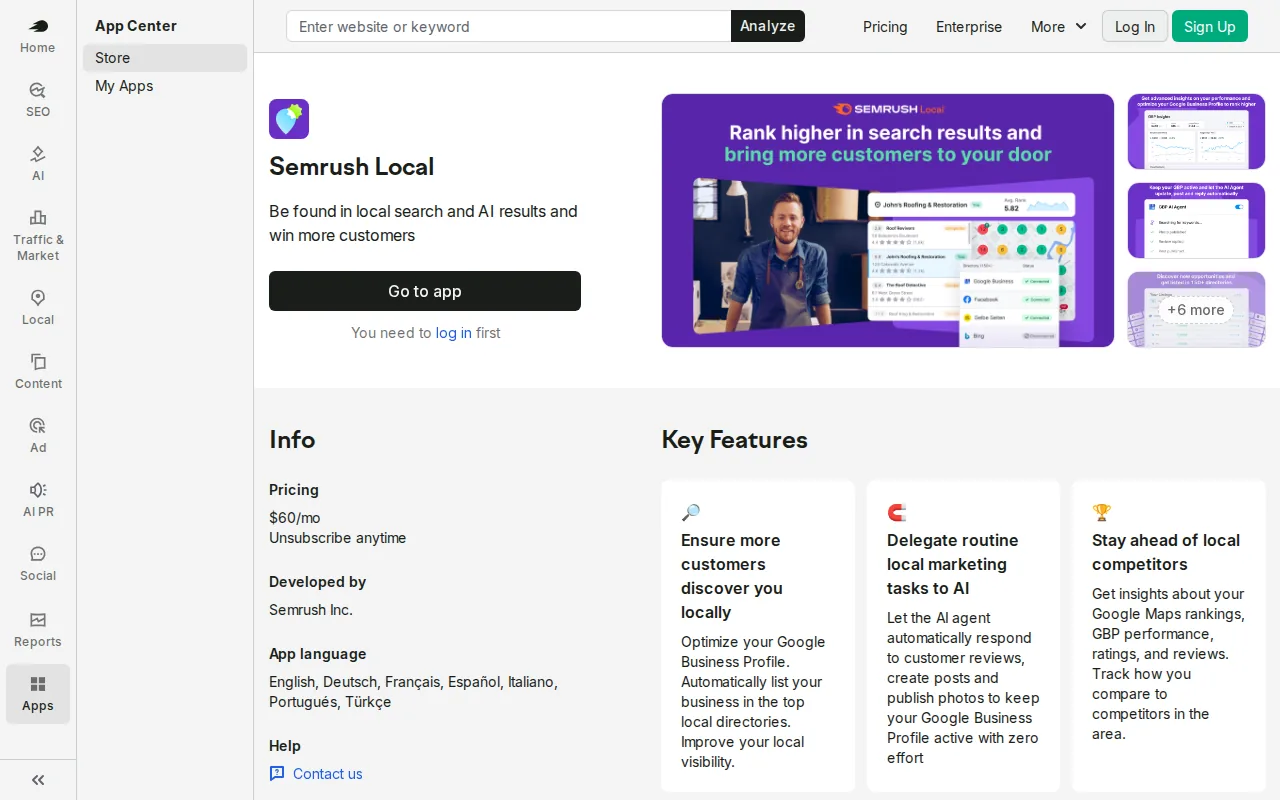
Its Map Rank Tracker shows rankings as a geographic heat map, with suggestions for improving them. Because it sits inside Semrush, keyword research, backlink analysis and site audit data live in the same project.
Pricing is per location, which adds up for large chains. If you already pay for Semrush, the local add-on is a natural extension; if not, a lighter tool may cost less.
What should you check before paying for a local SEO tool?
Check four things before you pay: how many locations the plan covers, whether it tracks rankings on a map grid or from a single point, which directories it can actually update, and whether review requests are included or cost extra. A tool that fits your location count saves more than one with the longest feature list.
- Location count. Most paid tools price per location, so a plan that looks cheap for one branch can cost far more across ten.
- Review rules. Google’s tips to get more reviews come down to making it easy to leave one and replying to what you get. Skip any feature that filters out unhappy customers before they reach Google, or that offers rewards for reviews.
- Your own website. Listings should match your site. Google’s local business structured data guide shows how to mark up your name, address and hours on your own pages, and no listing tool does that part for you.
- Links beyond citations. Citations are only part of local authority. Links from local and industry sites also feed prominence.
Tools measure the work; they don’t do it. In our moving company local SEO case study, monthly leads went from 17 to 133 in 10 months and Google Business Profile calls went from 54 to 118.
Which local SEO tool should a U.S. business choose?
Start with Google Business Profile, because it’s free and every other tool depends on it. Then choose by your main problem: map rankings, listing accuracy or reviews. A single-location business rarely needs more than a rank tracker on top, while a multi-location brand usually needs one suite that handles all three.
- If you run a single storefront and want a free foundation, start with Google Business Profile and add a simple rank tracker like Local Falcon.
- If you manage several locations and want one suite, BrightLocal or Semrush Local give you reporting, citations and review tools under one roof.
- If listing accuracy is your biggest pain point, Moz Local handles distribution and cleanup.
- If review requests matter most, Whitespark handles email and SMS review invitations.
If you run a trade business, our guides to local SEO for contractors and SEO for home services show where these tools fit in a full plan.
At Kadima Digital we use tools like these inside our local SEO services, tied to a plan that covers local SEO, AEO and PPC, so the traffic they help win turns into enquiries.
Frequently asked questions
What is the best free tool to start with?
Google Business Profile. It’s free, it controls how you appear on Search and Maps, and most paid tools build on the data in it.
Do I need a paid tool for multiple locations?
Usually, yes. Tools like BrightLocal, Moz Local or Semrush Local handle listing updates and review monitoring across many locations from one place, which saves hours of manual edits.
Can these tools improve my Google Maps rankings?
They help indirectly. They keep your details consistent, make reviews easier to collect and show where you rank by neighborhood. The ranking itself still depends on relevance, distance and prominence, as Google explains in its local ranking tips.
Is review automation worth the expense?
It can be. Google says review count and rating are part of how it ranks local results, and automated requests make a steady flow of new reviews easier to keep up.
How often should I check my local rankings?
Weekly is enough for most businesses. It shows the trend without overreacting to daily movement, and lets you spot a drop after an update or a competitor push.
Do I need a separate tool for citation cleanup?
Moz Local and BrightLocal both include duplicate detection and cleanup, so most businesses don’t need a separate service.
Match the tool to your local growth priorities
For most U.S. businesses, start with Google Business Profile, then add a map rank tracker like Local Falcon to see where you show up. If you have several locations, BrightLocal or Semrush Local give you one workflow. If listing accuracy is the problem, Moz Local handles distribution and cleanup. If you need more reviews on a small budget, Whitespark is worth a look.
If you’d rather have a team run it, tell us about your locations and we’ll plan the local SEO work that fits them.
For a wider view of the toolkit, our guide to 15 essential SEO tools covers keyword research, audits and links. Comparing outside help? Our local SEO agencies guide sets out what to look for. And the local SEO tactics checklist breaks keyword research, citation audits and review management into small steps.